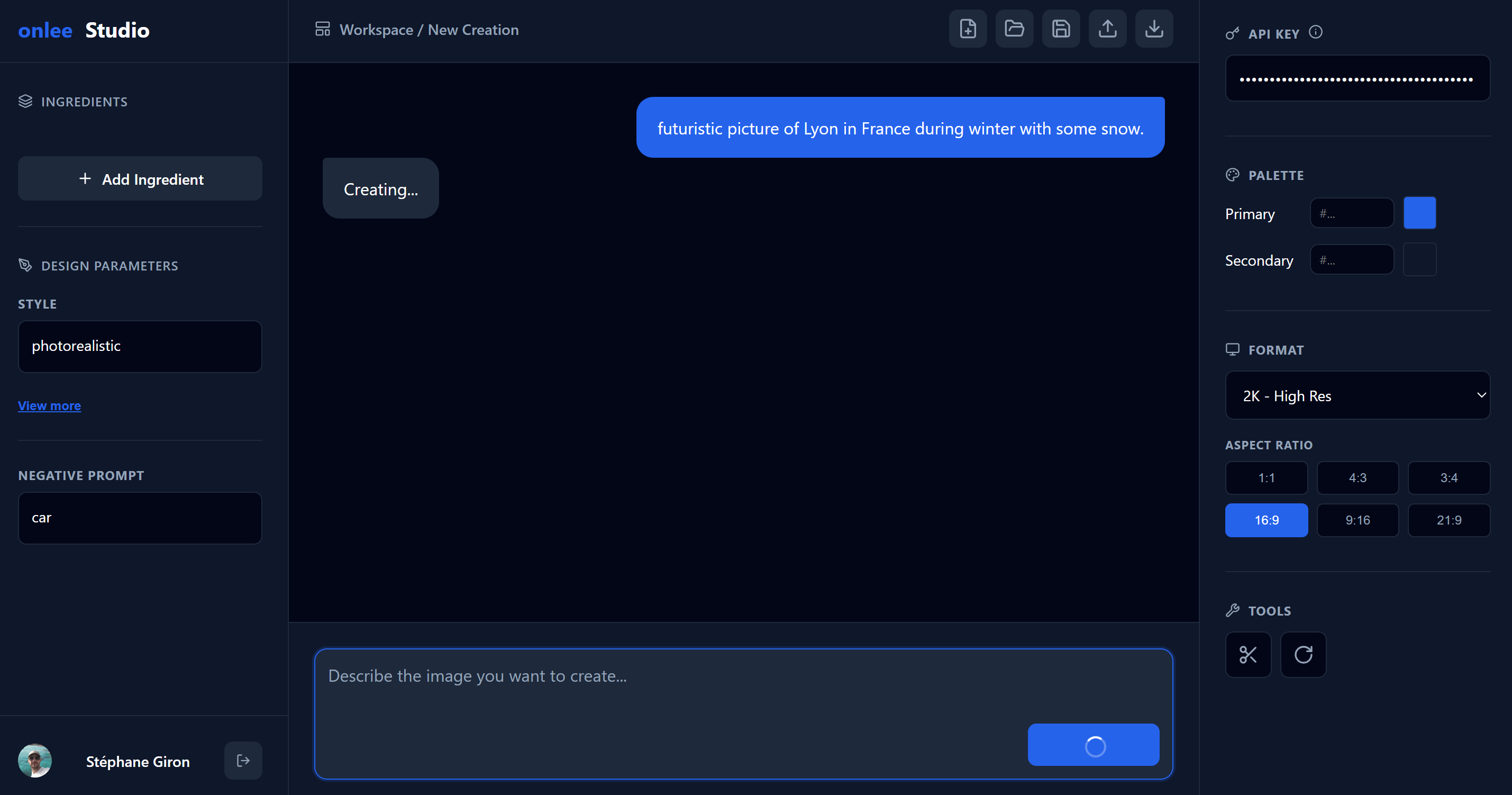
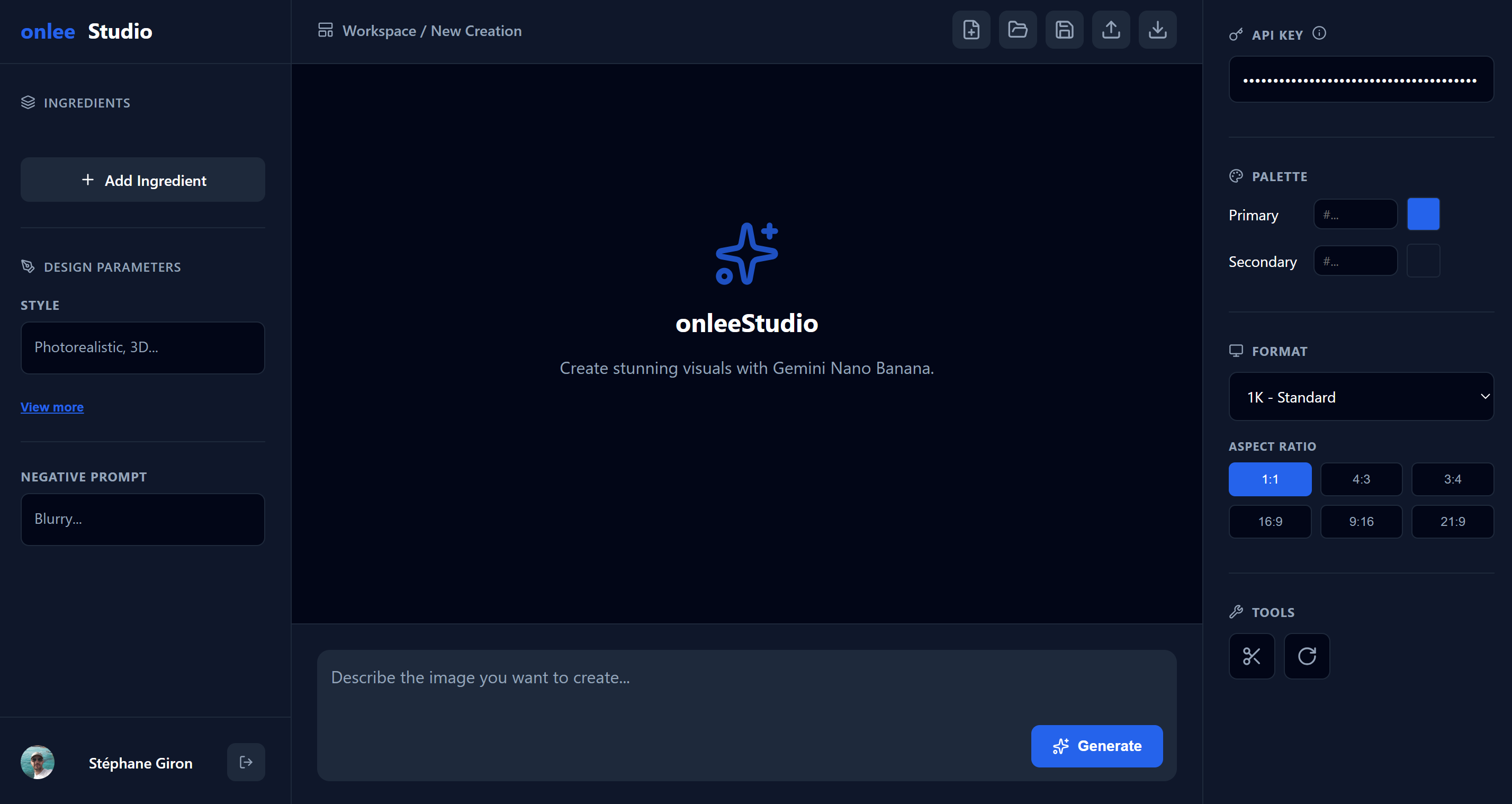
onleeStudio is a full creative workspace powered by Gemini. Generate images, import projects from collaborators for free, and pick up right where they left off. Bring your own API key — you only pay Google for what you use.
🚀 Currently in Beta — all features are free during the beta period, including Save, Drive integration, Effects & Tools.
How it works
No complex setup. Paste your key, describe what you want, and get a high-res result in seconds.
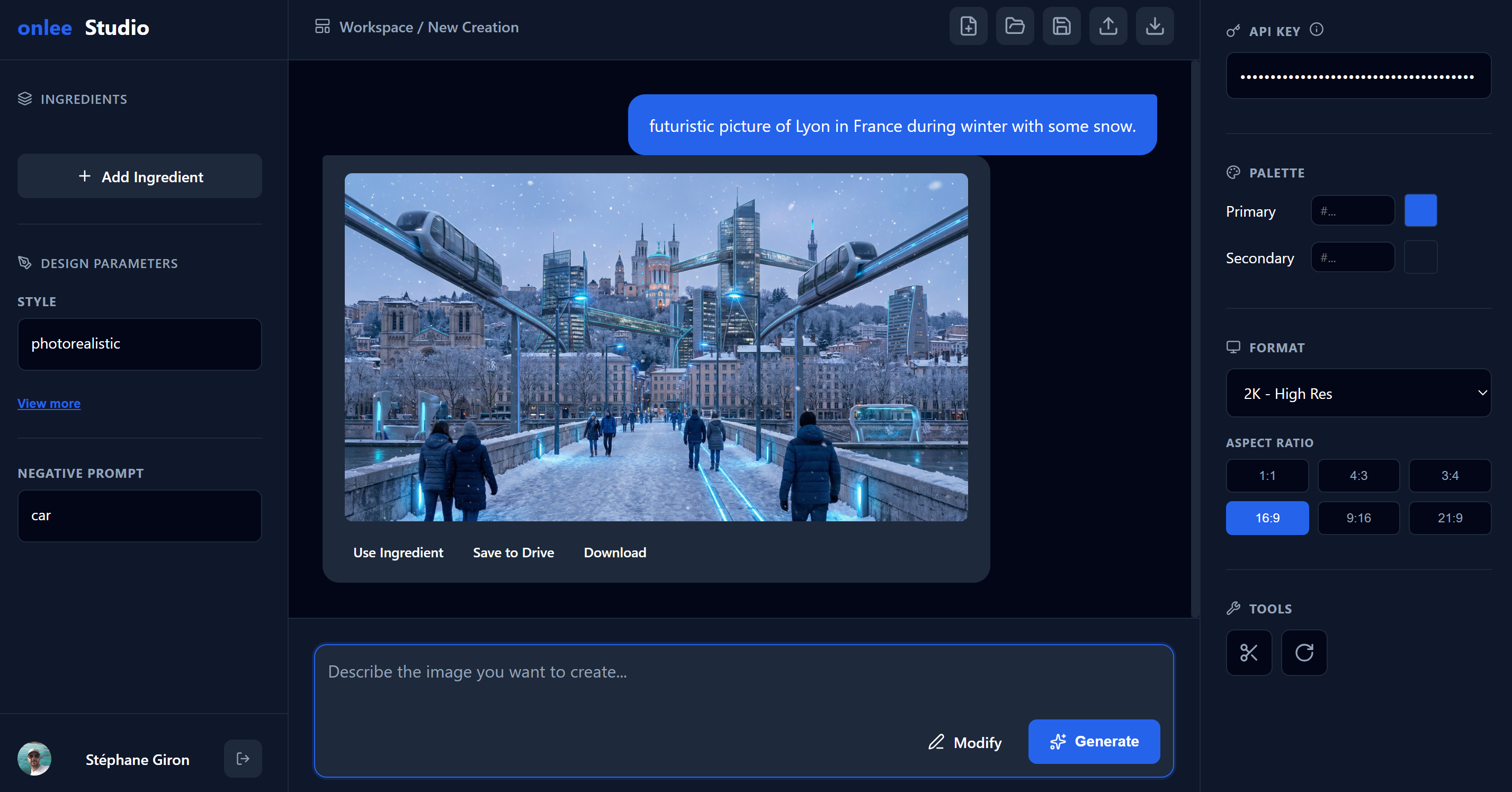
Type a prompt, set your style parameters, choose your resolution (1K, 2K, or 4K), and pick an aspect ratio. Add reference images as "ingredients" for even more control.
Hit Generate and get your image in seconds. Refine with follow-up prompts, adjust settings, and re-generate until it's perfect. Save the project to reproduce results later.
Unlike other tools where you start from zero every time, onleeStudio saves your full project.
Received an .onleestudio file from a friend or client? Import it instantly for
free.
See their exact prompt and ingredients, then generate it using your own key. Upgrade to a
lifetime license only when you need to save your own modifications.
Save your entire project — prompt, parameters, ingredients — as a file. Re-open it later to tweak and regenerate with the exact same settings. Consistency, guaranteed.
Powerful Image Tools
Take full control of your generated images with built-in actions and precise annotation.
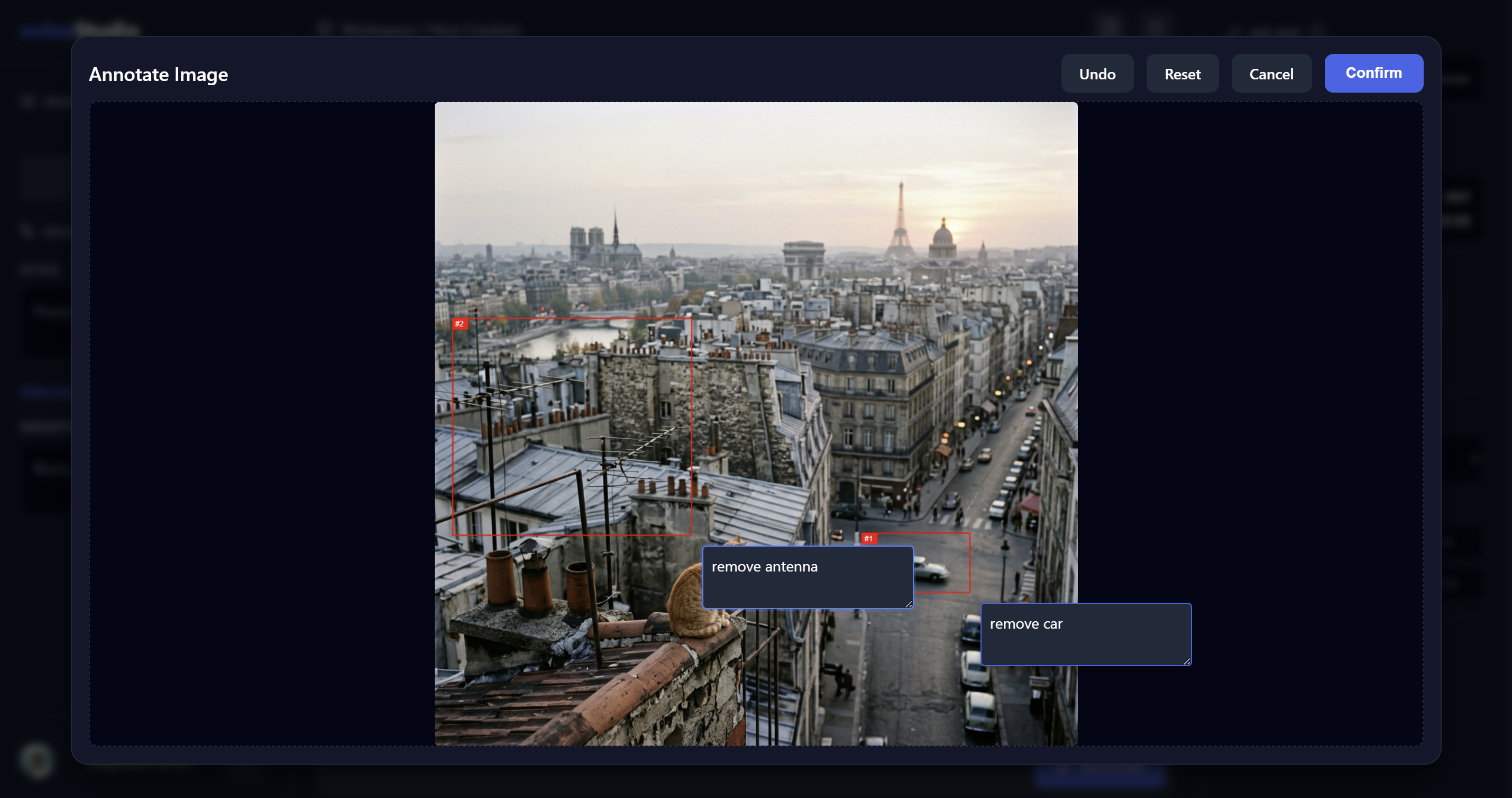
Don't just prompt and pray. Open any image in the Annotate workspace. Draw precise bounding boxes around specific elements and instruct Gemini exactly what to change in each box. The ultimate tool for targeted edits.
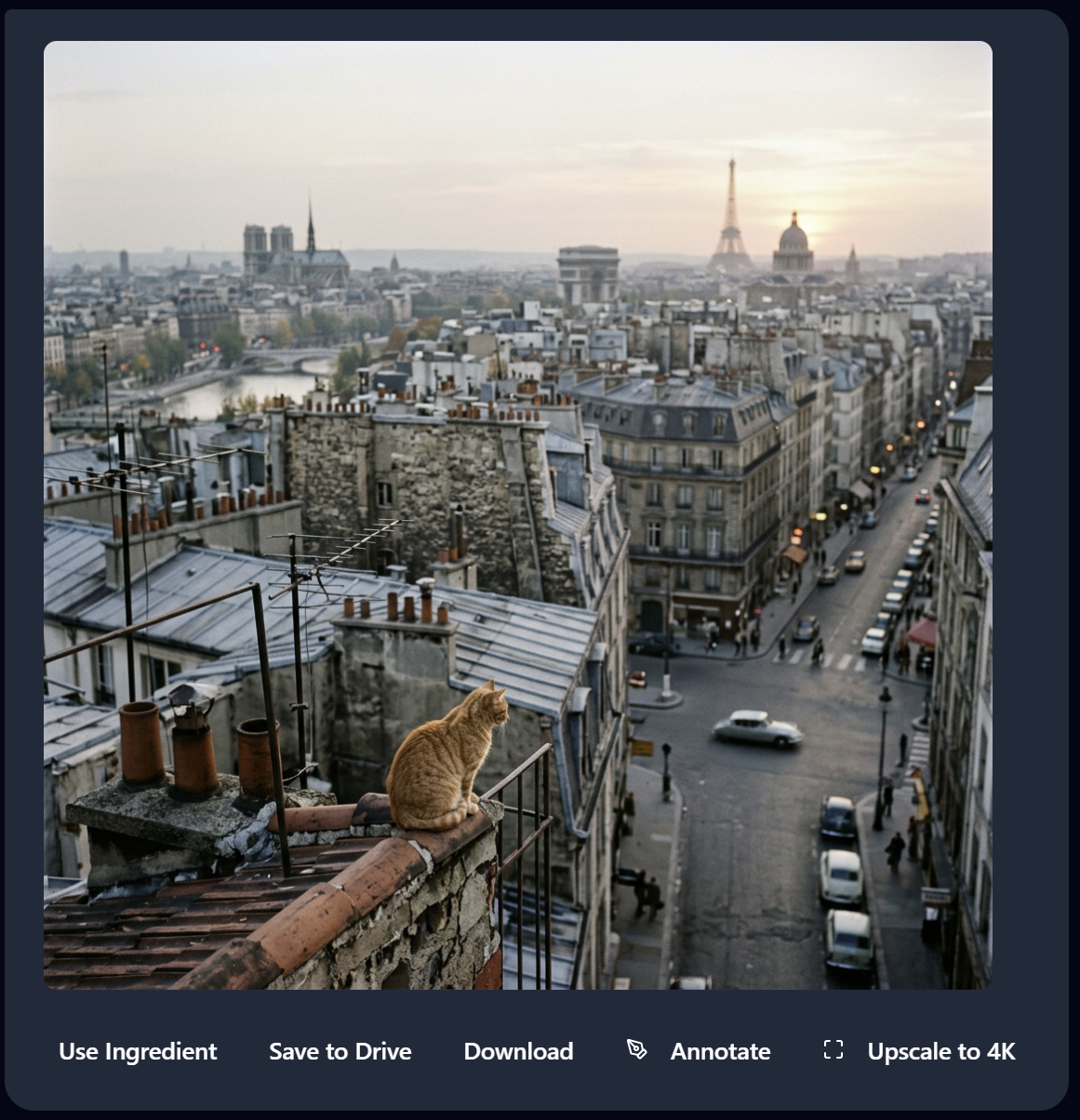
Every generated image comes with a suite of quick actions. Instantly Upscale to 4K for crystal-clear resolution, reuse the image as an Ingredient for your next generation, or save it directly to Google Drive.
Features
Create, iterate, save, and share. The core app is free — premium features are a one‑time payment, no subscription.
Save your full project to Google Drive. While Importing and Opening projects is 100% Free, saving your own workflows and exporting modifications requires a one-time license.
Go beyond generation: remove backgrounds, apply vignette, add white borders, create pencil sketches, and rotate images. All effects are AI-powered and run directly in the app.
Open the app and start generating immediately. No sign-up, no login wall, no friction. You pay Google directly for API usage — onleeStudio itself is free.
Control style, composition, lighting, camera settings, color grading, and negative prompts. Upload reference images as "ingredients" for precise results.
Choose from Standard (1K), High-Res (2K), or Ultra-HD (4K). Select landscape, portrait, square, ultrawide — any aspect ratio you need.
Use your personal Gemini API key. You pay Google directly for what you use — no middleman markup, no surprise fees. Sign in with Google to save your key securely.
Why onleeStudio
Free core + optional one-time upgrade. No recurring subscription ever.
| onleeStudio Free | onleeStudio Paid | Gemini App | |
|---|---|---|---|
| No sign-up required | ✓ | ✓ | ✗ |
| Up to 4K resolution | ✓ | ✓ | ✗ |
| Bring your own API key — pay per use | ✓ | ✓ | ✗ |
| Reference images (ingredients) | ✓ | ✓ | ✗ |
| Google Drive integration | ✗ | ✓ | ✗ |
| Open & Import Projects | ✓ | ✓ | ✗ |
| Save & Export Projects | ✗ | ✓ | ✗ |
| Effects (remove bg, vignette, sketch, rotate…) learn more ↓ | ✗ | ✓ | ✗ |
| Google Workspace add-on | ✗ | ✓ | ✗ |
| Pricing | Free | One-time payment | Included w/ Google |
What Makes Effects Different
When you ask a typical AI image generator to "add a vignette" or "remove the background", it doesn't actually apply the effect — it regenerates the entire image with the effect baked in. This often leads to unwanted changes in composition, colors, or details. Your original image is gone.
onleeStudio uses code execution instead. When you apply an effect, Gemini writes and runs real Python code (OpenCV, PIL) that modifies your image pixel by pixel. Your original image is preserved — only the requested effect is applied. No regeneration, no surprises.
Security & Privacy
We never store your API key on our servers. We never see your images. Everything runs client-side through Google's APIs. You are always in control.
Your API key lives only in your browser session. It is never sent to our servers and is discarded when you close the tab.
Sign in with Google (free) to securely save your API key in your personal Apps Script User Properties — private, per-user storage only you can access. We have zero access to it. No payment required for this — it's completely separate from the paid features.
We don't operate a database. We don't track prompts, images, or usage. Your creative process is completely private.